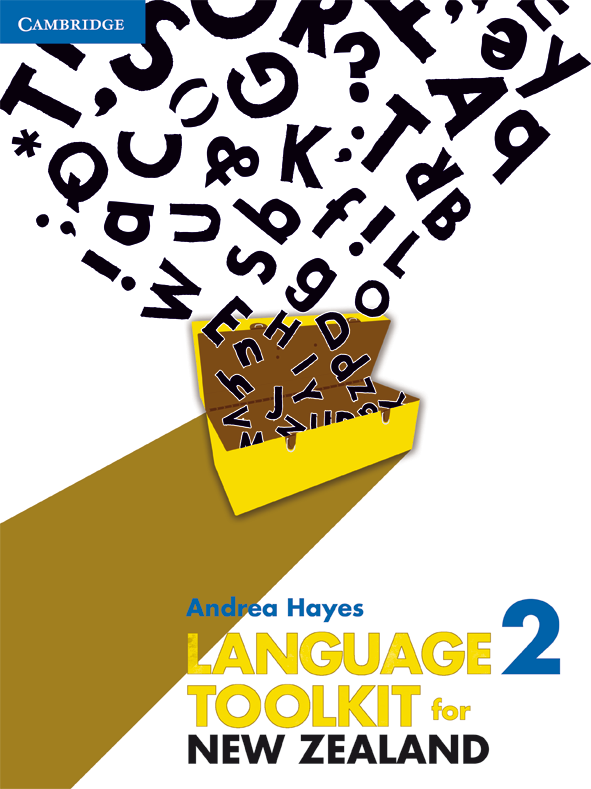
Language Toolkit for New Zealand Book 2
To access your resources Log inor
create your Cambridge GO account
Activate your resources by entering the access code found in the front of your print textbook,
sealed pocket or supplied via email.
Electronic VersionUpdate 14 March 2013
To view a sample chapter, click on the file below in blue.
An Electronic Version is available separately for each toolkit.
Students can:
-
input answers
-
take notes
-
bookmark pages
-
print.
The Electronic Version access code can be purchased separately from your Education Bookseller.
PDF Textbook chapters
04/05/11
Preliminary pages
Unit 2: Information texts: Non-fiction
Unit 3: Literary texts: Descriptive writing
Unit 4: Persuasive texts: Speeches
Unit 5: Literary texts: Characters
Unit 6: Informal writing
Unit 7: Responsive writing: Film reviews
Unit 8: Literary texts: First-person narratives
Unit 9: Literary texts: Poetry
Unit 10: Visual texts
Unit 11: Literary texts: Dialogue
Unit 12: Instructional texts
Unit 13: Persuasive texts: Letter to the editor
Unit 14: Literary texts: Personal memoir
Unit 15: Literary texts: Narrative voice
Unit 16: Introducing Shakespeare
You are entitled to download and store these PDFs. However they may not be transferred to another party, including other students, as electronic or print versions.
To use the enhanced PDF functions, such as note taking, you must download these PDFs to your computer and open them with Adobe Reader 9 or later.
The PDF Textbook is designed for full functionality using the latest version of Adobe Reader. The markup function is available in selected PDF readers for the iPad and other devices using iOS. Check your PDF reader specifications. At the time of publication, Adobe Reader, Good Reader and PDF Expert were viable options.
Note that some PDF file names may comprise the ISBN and chapter number.
You must have Adobe Reader installed to view the PDF files.

Update 14 March 2013
To view a sample chapter, click on the file below in blue.
An Electronic Version is available separately for each toolkit.
Students can:
- input answers
- take notes
- bookmark pages
- print.
The Electronic Version access code can be purchased separately from your Education Bookseller.
PDF Textbook chapters
04/05/11
Preliminary pages
Unit 2: Information texts: Non-fiction
Unit 3: Literary texts: Descriptive writing
Unit 4: Persuasive texts: Speeches
Unit 5: Literary texts: Characters
Unit 6: Informal writing
Unit 7: Responsive writing: Film reviews
Unit 8: Literary texts: First-person narratives
Unit 9: Literary texts: Poetry
Unit 10: Visual texts
Unit 11: Literary texts: Dialogue
Unit 12: Instructional texts
Unit 13: Persuasive texts: Letter to the editor
Unit 14: Literary texts: Personal memoir
Unit 15: Literary texts: Narrative voice
Unit 16: Introducing Shakespeare
You are entitled to download and store these PDFs. However they may not be transferred to another party, including other students, as electronic or print versions.
To use the enhanced PDF functions, such as note taking, you must download these PDFs to your computer and open them with Adobe Reader 9 or later.
The PDF Textbook is designed for full functionality using the latest version of Adobe Reader. The markup function is available in selected PDF readers for the iPad and other devices using iOS. Check your PDF reader specifications. At the time of publication, Adobe Reader, Good Reader and PDF Expert were viable options.
Note that some PDF file names may comprise the ISBN and chapter number.
| You must have Adobe Reader installed to view the PDF files. |
![]() |